
Technology & Digital Learning
Technology that Enhances Learning
Technology at JCHS is more than a tool—it's part of an engaging, hands-on learning experience. Students use digital tools to create, collaborate, solve problems, and communicate across every discipline, from mathematics and science to Jewish Studies, the arts, and engineering.
At the same time, JCHS emphasizes responsible technology use by teaching digital citizenship, encouraging healthy media habits, and helping students find balance in an increasingly connected world.
Tech Lab
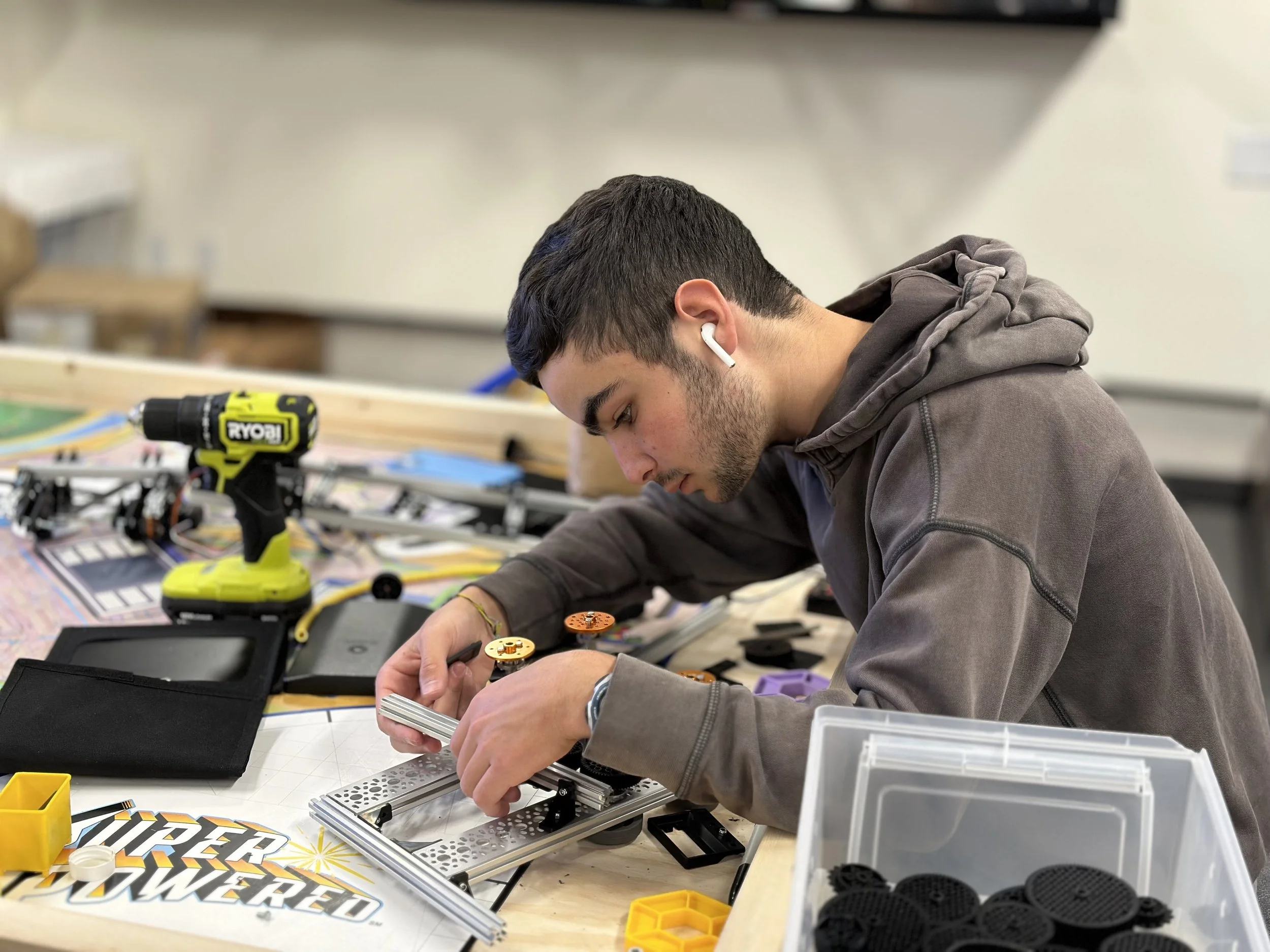
A collaborative makerspace where students explore robotics, engineering, fabrication, coding, and hands-on problem solving.
Theater Technology
Discover the creative technology behind every performance—from lighting and sound design to stage management and production.
Student Laptop Program
JCHS follows a Bring Your Own Device (BYOD) program, allowing students and families to choose the laptop that best meets their needs while ensuring every student has access to the technology required for learning. Students use their devices daily for coursework, research, collaboration, and creative projects.
Laptop Specifications
We recommend a laptop that meets or exceeds the following specifications.
Hardware
64-bit processor (Intel Core i5 / Apple M1 or newer recommended)
8 GB RAM minimum (16 GB recommended for media-intensive courses)
256 GB SSD storage minimum
Wi-Fi 5 (802.11ac) or newer
Built-in webcam, microphone, and speakers
Battery life of 6+ hours
Please Note: Chromebooks and iPads may be suitable for many classes but are not recommended for courses such as Filmmaking or AP Computer Science A. Students should consult their instructor regarding course-specific technology requirements.
Required Accessories
Protective carrying case or sleeve
Charger
Headphones or earbuds with microphone
Reliable internet access at home
Operating Systems
Windows 11
macOS (current or previous major release)
Current ChromeOS
Current iPadOS (keyboard required)
Recommended Software
Current web browser (Chrome, Edge, Firefox, or Safari)
Antivirus protection (Windows devices)
Device location software (Find My, Find My Device, etc.)
Google Workspace access
Frequently Asked Questions
-
Students learn best with technology they know and use every day. Our BYOD program gives families flexibility while ensuring students have the tools needed for learning.
-
Only if your current laptop does not meet the recommended specifications above.
-
A limited number of loaner laptops are available during the school day on a first-come, first-served basis.
-
Students and families are responsible for software updates, repairs, and maintenance. JCHS recommends purchasing accidental damage protection.
-
Report the theft to local law enforcement and contact your insurance provider. Device-tracking software such as Find My or Find My Device is strongly recommended.
-
Yes. Laptops may be stored securely in a student's assigned locker.
-
Use a protective case, keep regular backups (such as Google Drive or another cloud service), and secure the device whenever it is unattended.
-
Laptop
Charger
Protective case
Headphones or earbuds
-
Yes. Students regularly access assignments, collaborate with classmates, and submit coursework online.
-
While not required, accidental damage protection (such as AppleCare+ or a manufacturer's protection plan) is highly recommended.